Photo to video generator
Upload a photo, choose a scene, and turn it into a 15-second MP4. Start by checking your opening frame.
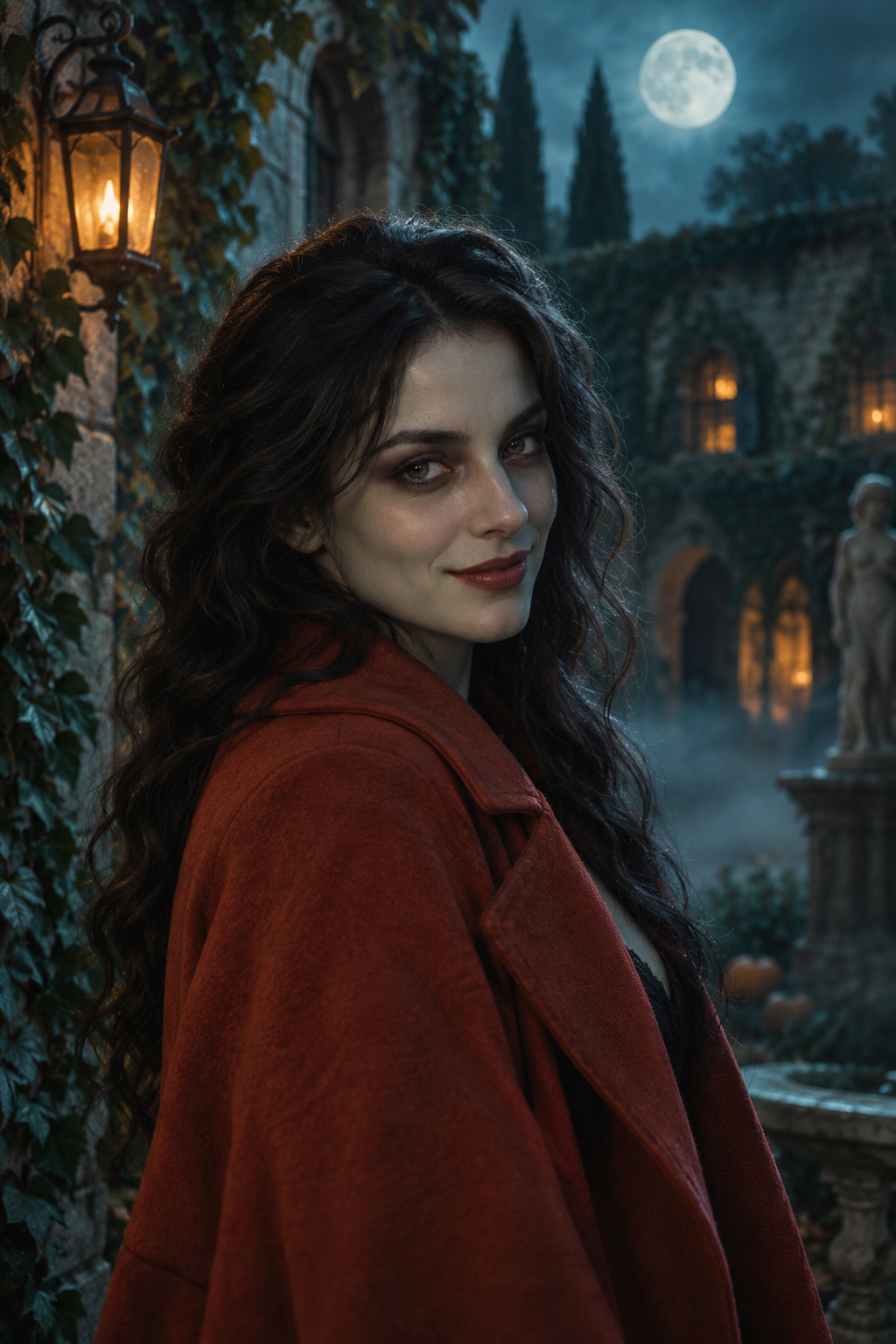
Zombie daydream
A playful Halloween transformation.
Silent video
Cinematic moment
Soft light. A slow camera move.
Silent video
Dreamy orbit
Float into another world.
Silent video
Product spotlight
A small film for your big idea.
Silent video
Opening-frame illustrations · not generated video samples
Your opening frame and video
Generation preview
STILL → MP4Your result will appear here.
Add your photo and pick a look to make it personal.
Making something just for you
You can leave this page and come back to your creations.
Effect examples
Choose a style to use with your input.
AI-created style illustrations · personalized results will vary.
Frequently asked questions
How does the preview work?+
First we create an opening-frame image from your photo and chosen look. When you want to animate it, 100 credits create a fifteen-second video. The opening frame is a still image, not a video preview.
What can I download?+
Each completed clip is an MP4. Videos are fifteen seconds long with native audio switched off. Add your own licensed music afterwards.
Does Zombie daydream copy a viral video?+
It creates an original, gentle Halloween-themed clip from your photo. It does not reproduce a particular music video, choreography or song.
Can I come back on another browser?+
Yes. Use the email from your Stripe purchase and a six-digit email code to restore your credits and saved creations. Credit packs are specific to this site.